Subdivide
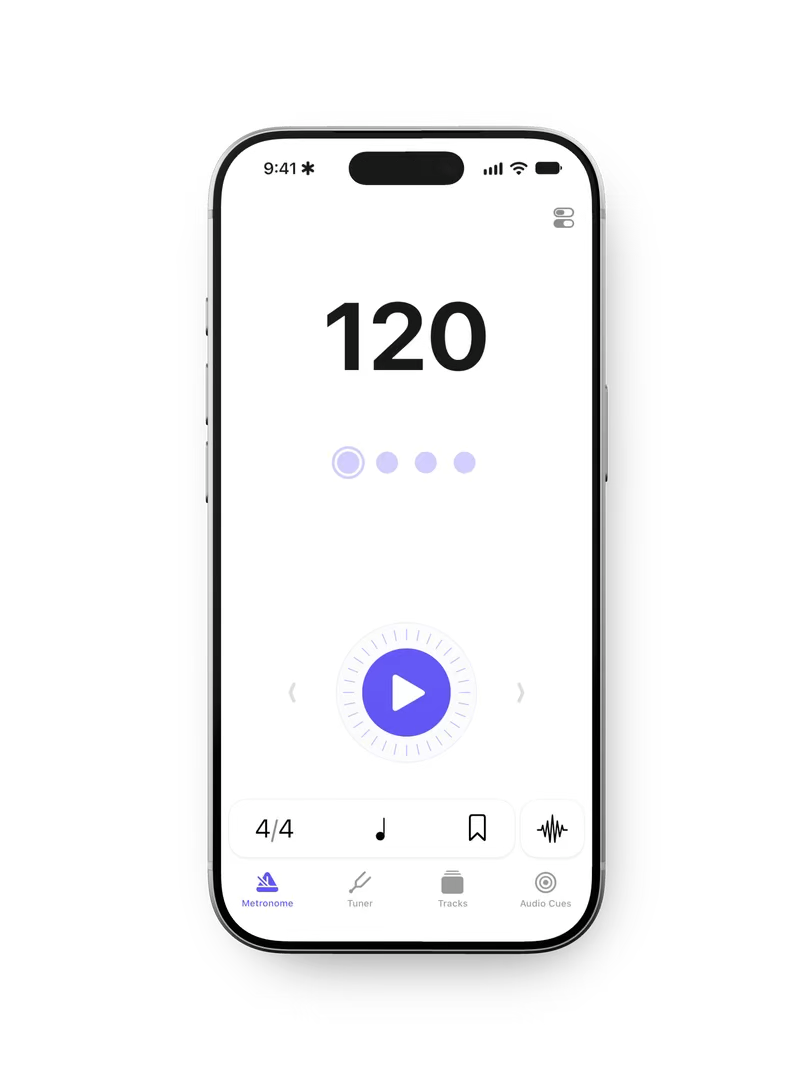
Subdivide is a metronome and rehearsal app I design with Alec Richter, my co-founder at Tap Five. We met through drumming, and the app reflects a problem we know firsthand: running a rehearsal with a phone in your hand.
We started building Subdivide for Android in 2015. After a long hiatus, we returned in 2023 to build the iPhone app.
The problem
A rehearsal rarely runs straight through a piece. Musicians slow down a passage, repeat it, then bring it back up to speed. An instructor might navigate by musical sections, movement counts, or points in a recording.
A gradual slowdown, a loop across specific bars, or a section that starts at a different speed can mean repeatedly adjusting the tool while trying to lead the group. We wanted Subdivide to handle that complexity without pulling a musician's attention away from the music.
Separating preparation from practice
The central design decision was Tracks: a way to set up a piece once, then run through it flexibly during rehearsal.
Musicians define sections, tempo changes, and subdivisions ahead of time. In rehearsal, they choose a range, a speed, and a number of repetitions. The structure of the piece is already there, ready for the passage they want to practice.
Editable section cards
We wanted musicians to change a section without losing sight of the piece. Each section became an editable card, keeping its tempo, bar count, and subdivision together. Musicians can read the sequence and make a change in context, with the rest of the piece still in view.
One edge case pushed us toward a better structure. We initially attached gradual tempo changes to regular sections. That broke down when a piece began or ended with a transition. Giving transitions their own cards let the track follow the actual structure of the music.
Designing for rehearsal
Playback controls needed to feel accessible without dominating the screen. The player keeps the current and upcoming sections visible. Count-in, repeat, speed, and sound controls open in place from a drawer at the bottom, keeping adjustments close to the passage they affect.
The metronome's tempo dial gives each adjustment a physical feel: a light haptic tick as the value changes and a firmer bump at the limits.
Drill Mode
Talking with users, we found that many instructors ran rehearsals around drill counts—the counts used to move between formations in marching or dance. Those movements don't always line up with musical sections, but the music still has to stay in sync.
Because drill counts and musical sections can have different boundaries, adding a field to a section card wouldn't be enough. Instructors needed another way to navigate the piece.
We built Drill Mode as a layer over the same track. Instructors can navigate by drill counts while preserving the subdivisions, time signatures, and tempo changes underneath.
We considered making instructors enable Drill Mode first, but that would make it harder to discover. Keeping a visible Drill tab let us explain the feature before they added their first page.
Audio cues and sharing
Rehearsing with a recording means finding the same passage repeatedly. Audio cues give those passages names, with matching colors in the list and timeline. The current cue stays visible during playback.
The start handle snaps to those cues as you drag it. A musician can return to a marked passage without lining up an exact timestamp.
Sharing came from a direct user observation: one instructor had prepared recordings with audio cues, but other staff couldn't use that work. We added audio cue sharing so instructors could pass prepared recordings to one another.
Beyond the phone
The web player lets musicians on Android and desktop practice with shared tracks, too. Someone's preparation can reach the rest of the group even when they use different devices.
We built a ChatGPT app that offers another way to prepare a track: describe what to practice, play the result in the conversation, then open it in Subdivide. We adapted the player to fit inside a chat while keeping the sections and tempo changes recognizable through the handoff.
Building the business
Subdivide is an ongoing project, and my focus is expanding beyond the app itself. Alongside the product work, I'm learning how to market it, reach more musicians, and grow the business. It's giving me a chance to build new skills and take on more of the work that makes a product succeed over time.